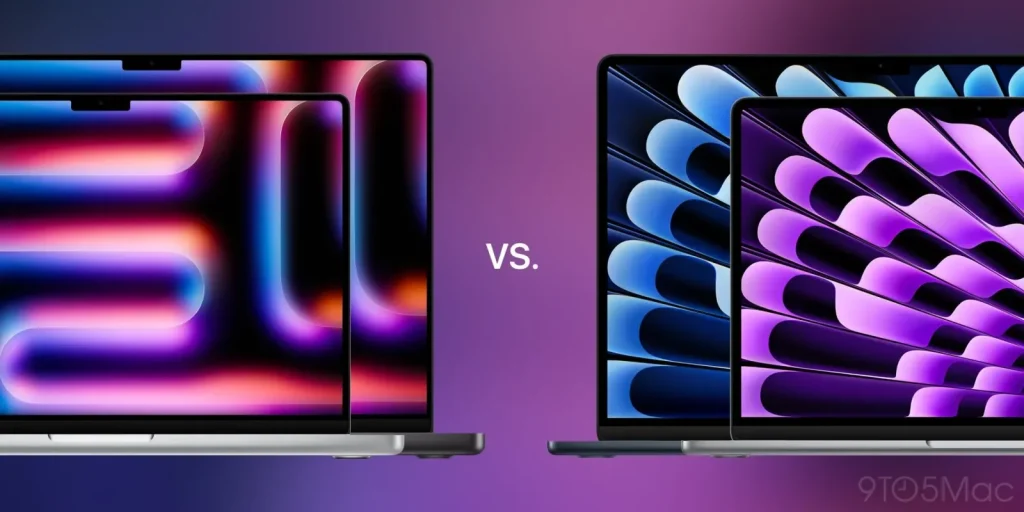
Apple’s M3 MacBook Air models arrived in March 2024 and the new MacBook Pro laptops with M4, M4 Pro, and M4 Max chips landed in late 2024. Read on for our in-depth look at M4 MacBook Pro vs M3 Air to see what’s different and upgraded plus a buyer’s guide to help you make the best decision.
Latest Update
And what about an M4 MacBook Air release? The latest details point to an early 2025 launch.
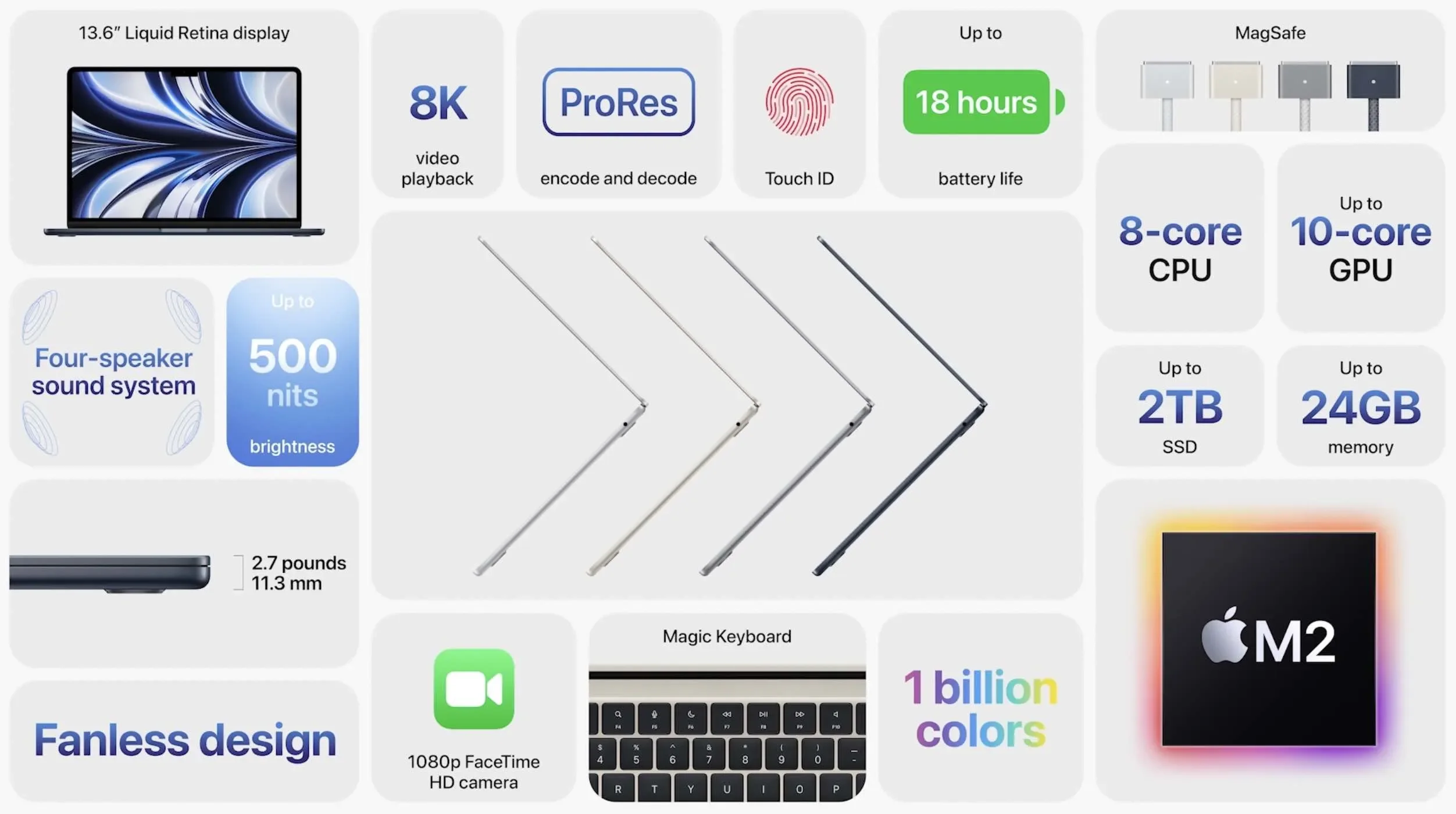
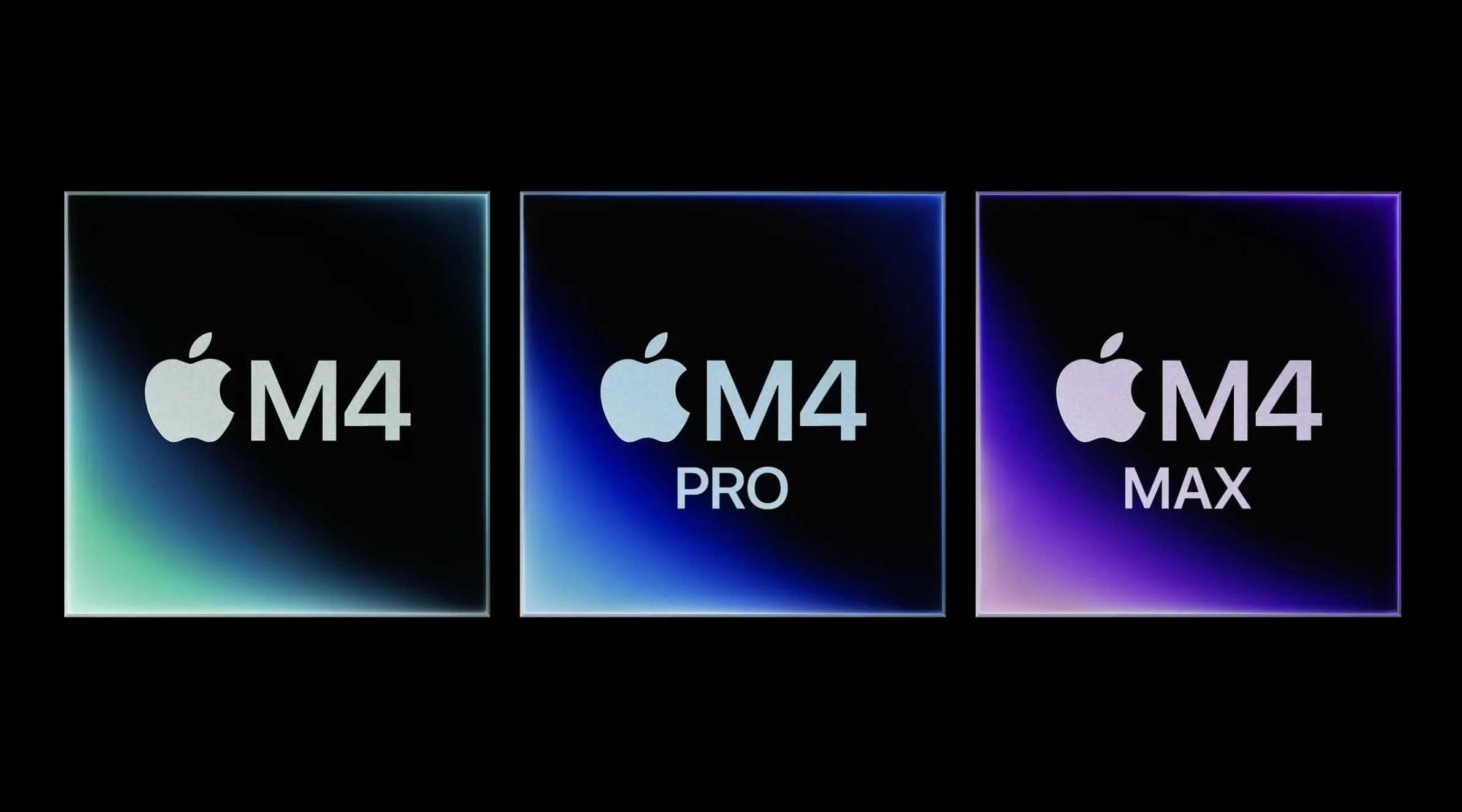
The M3 (and M2) MacBook Air support up to 24GB memory, 8 CPU cores, up to 10 GPU cores, and up to 2TB of storage.
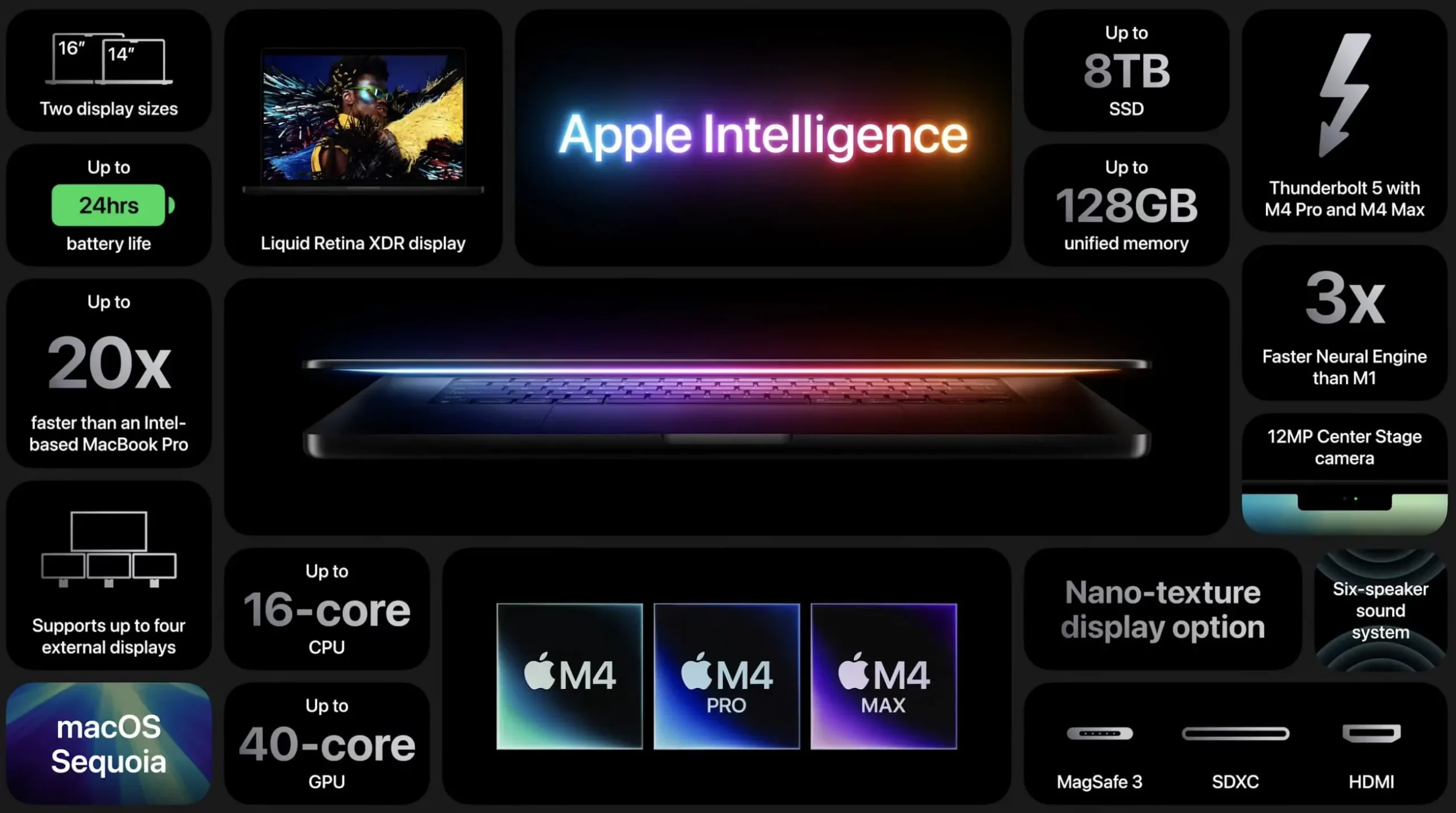
With the MacBook Pro and M4, M4 Pro, or M4 Max chip, you can get up to 16 CPU cores, 40 GPU cores, memory up to 128GB, and storage up to 8TB.
And “The GPUs build on the breakthrough graphics architecture introduced in the previous generation, with faster cores and a 2x faster ray-tracing engine.”
CPU benchmark scores
The new M4 Pro and M4 Max performance has appeared in Geekbench CPU tests and is showing impressive results:
While the new M4 family chips are impressive, keep in mind the M3 will be plenty powerful for light to medium and even limited demanding workflows. And M3 supports Apple Intelligence just like M4.
The MacBook Air is available in 13.6 and 15.2-inch models. And the MacBook Pro options remain slightly larger with 14.2 and 16.2-inch versions.
For screen brightness, the MacBook Air has up to 500 nits. That’s 2x less than the 1000 nits of the MacBook Pro can do outdoors for SDR content.
And the Pro laptop screens go up to 1000 sustained nits brightness (1600 peak) for HDR content.
Other Pro display upgrades over the Air include 120Hz refresh rates with ProMotion, mini-LED backlighting, a higher pixel density at 254 PPI, and the option for the nano-texture.
The MacBook Air and the MacBook Pro include a notch at the top center of the display for the 1080p FaceTime or 12MP Center Stage camera. But unlike the iPhone, the notch doesn’t include Face ID hardware/support, even in the latest Pro and Air models.
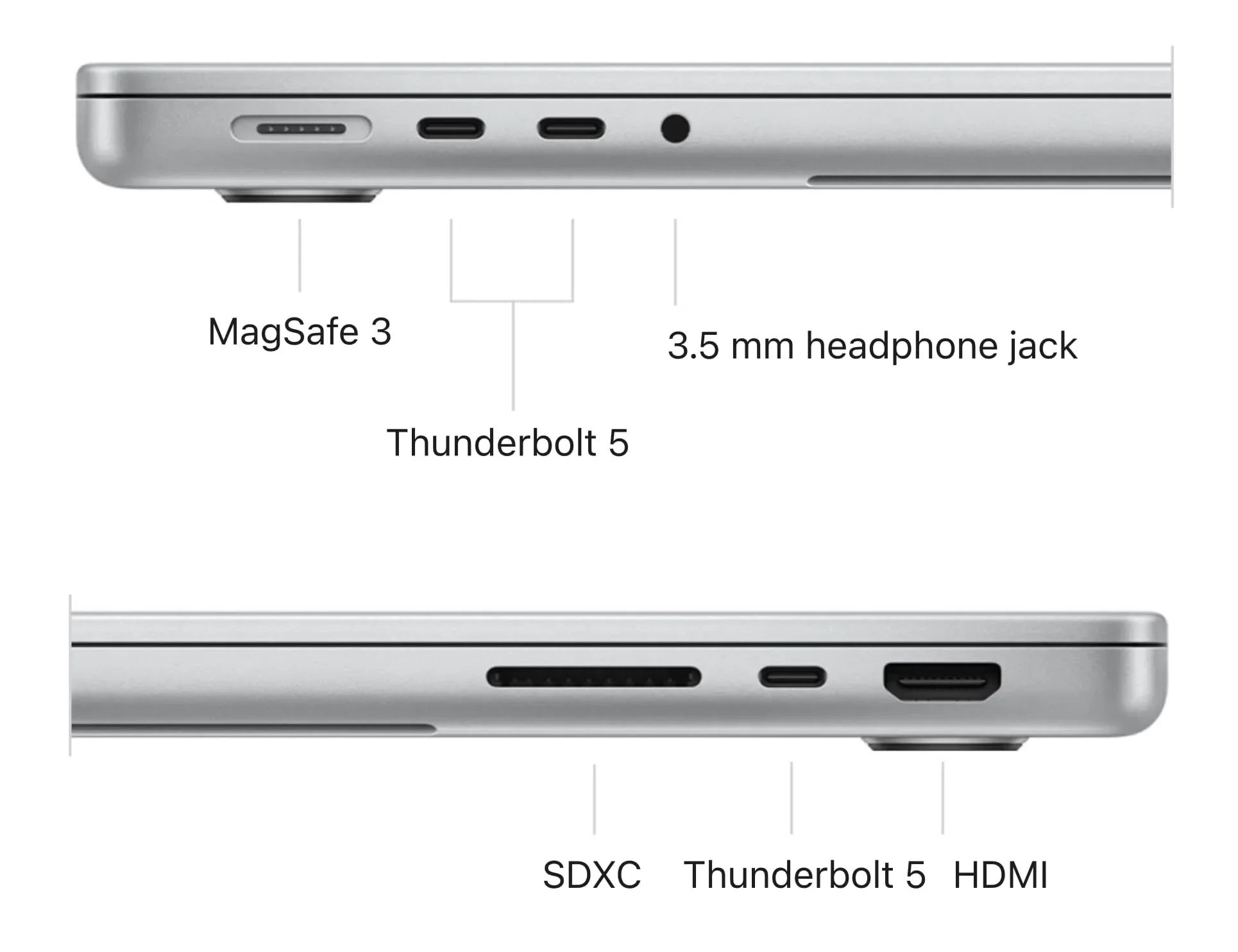
Other upgrades with the M4, M4 Pro, and M4 Max MacBook Pro include support for 8K video output with an HDMI port, Thunderbolt 5, a new 12MP Center Stage webcam, and greater external display support.
Note: The base M4 MacBook Pro still comes with Thunderbolt 4 instead of 5.
As you’d expect, the MacBook Air remains the lightest machine with both MacBook Pro models weighing more. The MacBook Air is also super-thin at 11.3 mm (0.44 in).
The MacBook Pro laptops are available in Silver and Space Black. Notably, Space Black is more of a dark Space Gray than a true black.
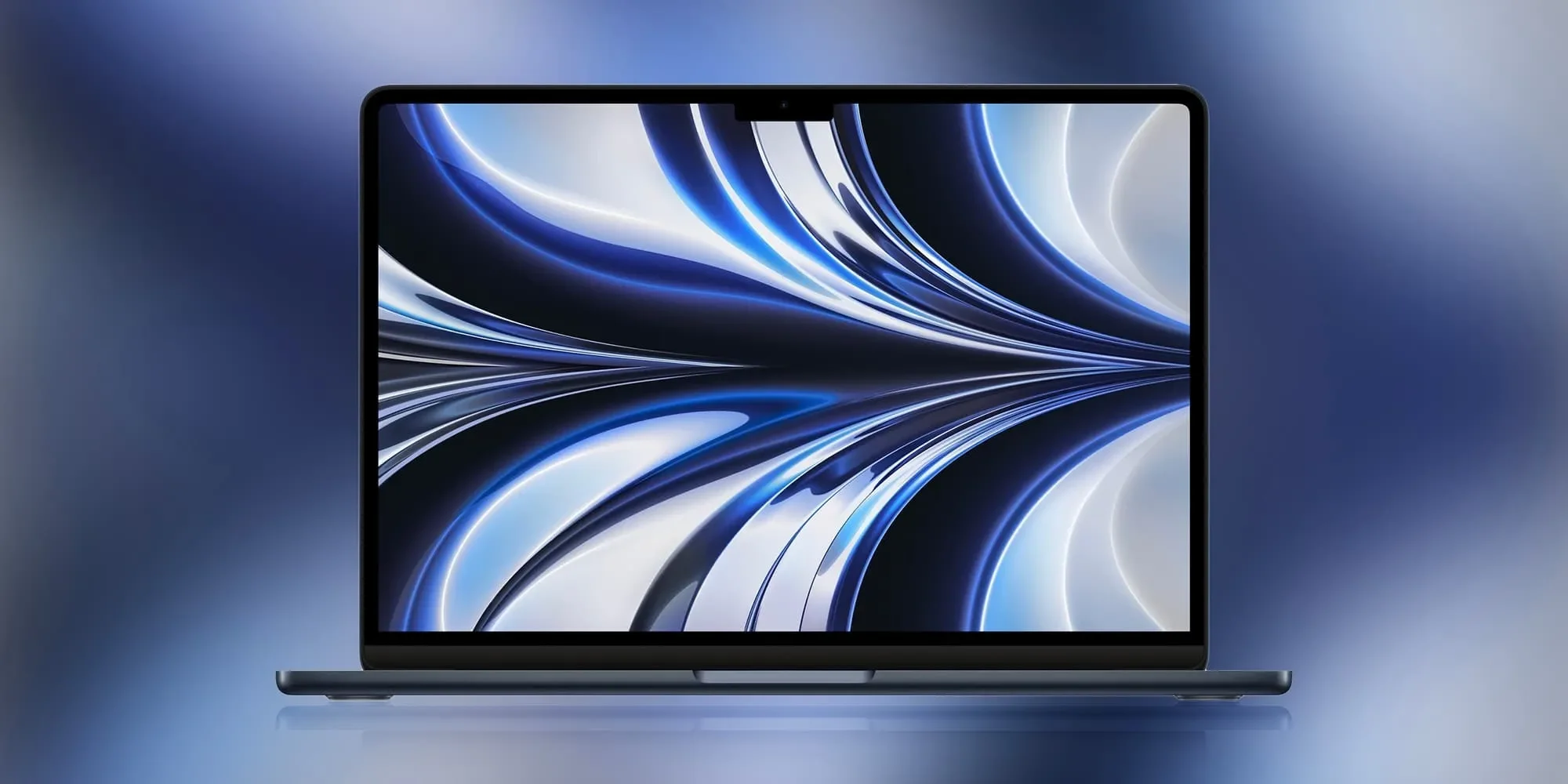
The M3 (and M2) Air come in four choices, including midnight, which has a blueish hue. The M3 MacBook Air is supposed to be less fingerprint-y than before with an anodization seal.
Since the 2022 MacBook Air shifted from the wedge design it had for years, all of the new MacBooks share the flat-edged chassis.
Real-world battery life for Apple Silicon MacBooks compared to the old Intel models has been impressive and usually matches the company’s claims. But that can depend on your workflow, screen brightness, and more.
Apple has increased the M4 MacBook Pro battery life to the point where the 16-inch MacBook Pro has up to 24 hours of video playback.
Details
For a detailed comparison of Pro vs Pro and Air vs Air, check out these guides; otherwise, head below for how the M4 Pro vs M3 Air compare:
Apple says “The CPUs across the M4 family feature the world’s fastest CPU core, delivering the industry’s best single-threaded performance, and dramatically faster multithreaded performance.”
All of the current MacBooks feature slim bezels.
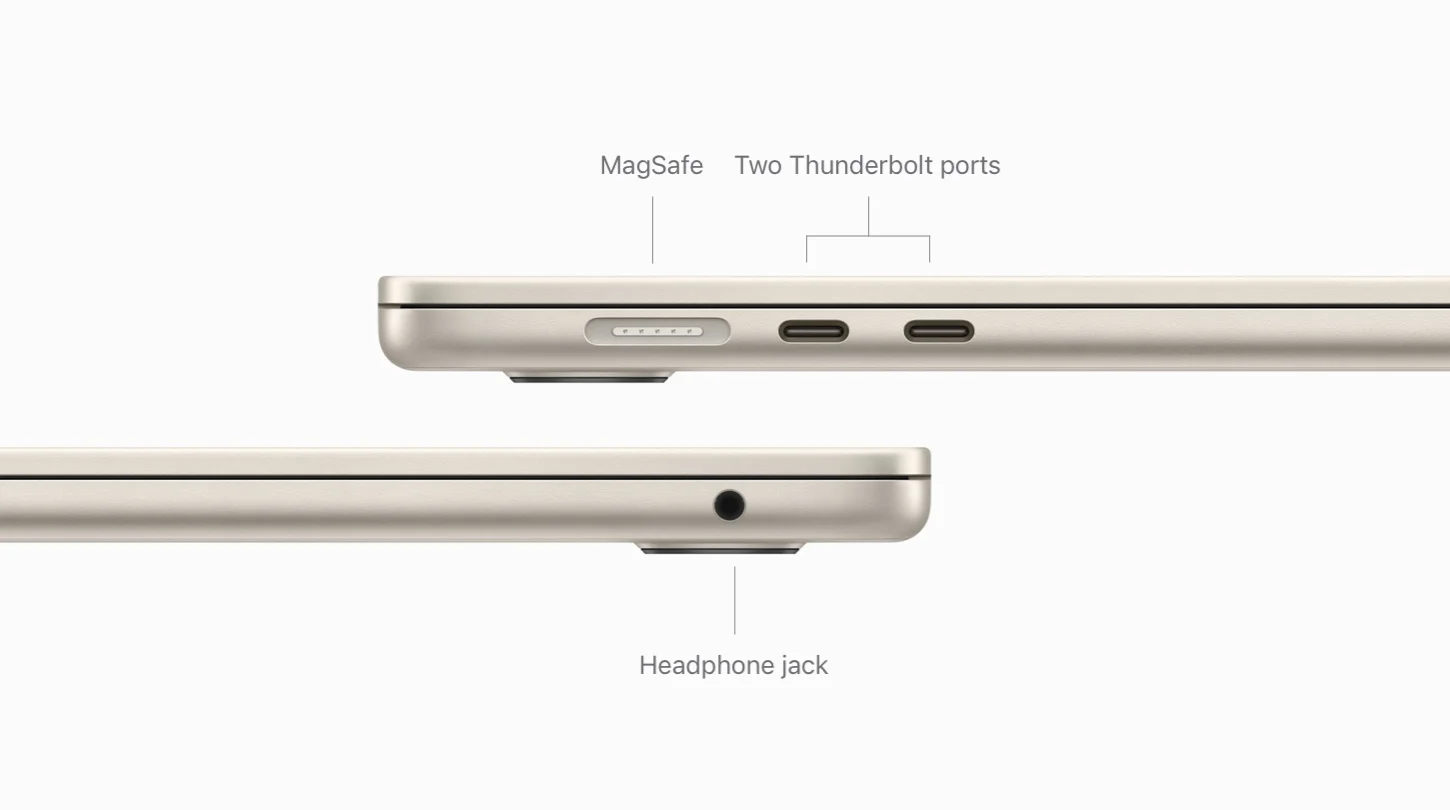
The MacBook Air gained MagSafe charging like the modern MacBook Pro in 2022 – which remains with the M3 models. However, Apple has kept additions like HDMI, SDXC slot, and support for up to 4 external displays exclusive to the 14 and 16-inch MacBook Pro.
The M3 13 and 15-inch MacBook Air have support for two external displays when the laptop lid is closed. And keep in mind the M2 MacBook Air only has support for one external display.
Both 13 and 15-inch MacBook Air models share strong but slightly less battery life at up to 18 hours of use. However, wireless web use is 15 hours for both Air models.
Note that the M4 Pro MacBook Pro models have the highest battery life with M4 Max models having less.
Here’s how the machines compare:
All of these modern MacBooks can fast charge to give up to 50% battery in just 30 minutes. But keep in mind you’ll need to use the bigger power adapters listed above.
With a starting price of $1,099 (or less on sale), the 13” M3 MacBook Air comes in at $500+ less than the 14” MacBook Pro. And the 15” MacBook Air is $1,200 less than the 16” MacBook Pro.
The 14” MacBook Pro base model at $1,599 comes with an M4 chip, 16GB RAM, and 512GB SSD. The 16” MacBook Pro base comes with M4 Pro, 24GB RAM, and 512GB SSD, and starts at $2,499.
Why buy MacBook Air?
Why buy MacBook Pro?
You can find the latest MacBooks at Apple, Amazon, Best Buy, and more.
What do you think about the current MacBook lineup? Share your thoughts in the comments! Thanks for reading our guide on M4 MacBook Pro vs M3 Air!
Read more 9to5Mac guides: